

TranSafe supports numerous card terminal devices for EMV, magnetic stripe, and contactless payments.
Ingenico
| Image | Model | Download Firmware (Installation) | Download Firmware (Upgrade) | Download Branding Images |
|---|---|---|---|---|
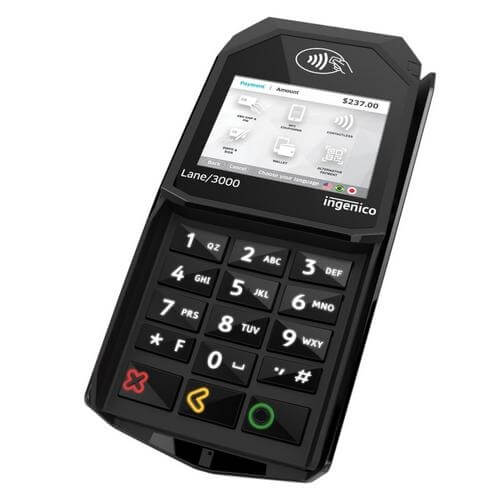 | Lane 3000 | 8.73.00 | 8.73.00 | Download |
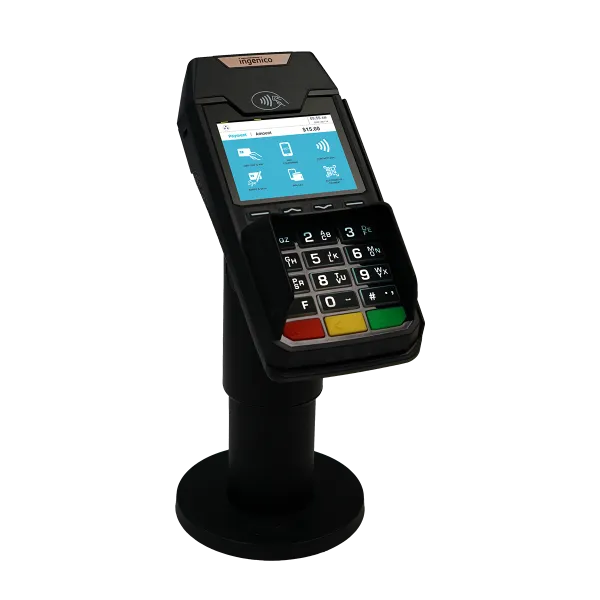 | Lane 3600 | 8.73.00 | 8.73.00 | Download |
 | Lane 5000 | 8.73.00 | 8.73.00 | Download |
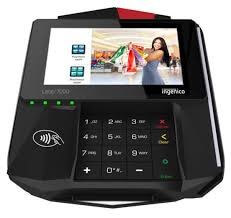 | Lane 7000 | 8.73.00 | 8.73.00 | Download |
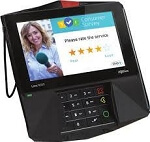 | Lane 8000 | 8.73.00 | 8.73.00 | Download |
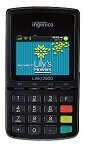 | Link 2500 | 8.73.00 | 8.73.00 | Download |
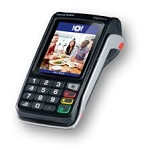 | Move 5000 | 8.73.00 | 8.73.00 | Download |
Download Common Configuration Files
Encryption Enablement (Requires Key Injection)
- Options:
- TripleDES (3DES) DUKPT (Recommended)
- OnGuard FPE (e.g., BlueFin)
TranSafe UniTerm Cloud
- Options:
- Production/Live
- UTCLOUD
- COMM_UTCLOUD.INI (Destination: COMM.INI)
- Test
- UTCLOUDTEST
- COMM_UTCLOUDTEST.INI (Destination: COMM.INI)
- Production/Live
Communication Method
- Destination Filename: COMM.INI
- Options:
- USB-CDC (Serial Conversion) (Requires Driver)
- BlueTooth for iOS/MFi (Models: Link2500)
- BlueTooth Classic (e.g., Android) (Models: Link2500)
- Ethernet Server (Inbound Connection to Device)
- RS232 Serial
Card terminals must be loaded with the correct version of the required firmware and appropriate encryption keys.
Pin Debit Key Injection
The merchant’s acquirer or processor help desk must specify the Key ID for the PIN key a merchant should use, and can identify which key injection services are able to provide that key.
Device Encryption
The TranSafe data encryption key must be loaded in Slot 4. The key must be injected as a DEK key.
TranSafe data encryption keys are available from the following key injection service providers:
| Key Injection Service | Live Transaction Key | Test Transaction Key |
|---|---|---|
| Ingenico | 2000F6C091 | 20008BC878 |
| JRs POS Depot | 2000C2105A | 20004161A6 |
| TASQ | 20003FBF99 | 2000E12FF6 |
| The Phoenix Group | 200043255E | 20000DD3C4 |
| POS Portal | 200014F465 | 2000E86E62 |
| ScanSource | 20004DEE37 | 20007ECEDC |
| Heartland | 20008647ED | 2000E00956 |
| ID Tech | 2000F1EE83 (part no. IDT-KEYINJ-298) | 2000AE078B (part no. IDT-KEYINJ-D23) |
| Anywhere Commerce | 20005BB97B | 2000FFF566 |
| UCP Inc. | 200017BE8E | 20003D6BC7 |
Please contact the TranSafe Support department if you require assistance with card terminal configuration.